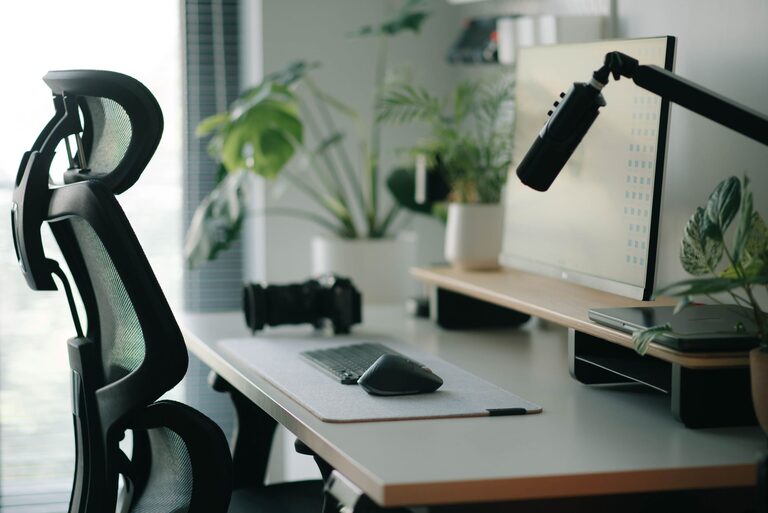
Creating a desk setup that fosters both focus and comfort can make a significant difference in your workday. Whether you work from home, spend hours studying, or simply need a dedicated space for projects, an organized and ergonomic desk helps reduce distractions and physical strain. In this guide, we’ll explore actionable tips to design a workspace that supports your productivity and well-being.
Why a Good Desk Setup Matters
Your desk environment directly influences your concentration, posture, and energy levels. Poor setups can lead to discomfort, fatigue, and decreased efficiency. Conversely, a thoughtfully arranged workspace encourages better focus, reduces stress, and helps maintain healthy body mechanics. Investing time into optimizing your desk pays off with improved comfort and work quality.
Essential Elements of an Effective Desk Setup
1. Choose the Right Desk and Chair
– Desk Height: Aim for a desk height that allows your forearms to rest comfortably parallel to the floor when typing. Standard desks are usually around 28-30 inches tall.
– Chair Support: Use an adjustable chair that supports your lower back (lumbar region). Make sure your feet can rest flat on the floor or on a footrest.
– Comfort First: Test different chairs to find one that offers comfort during long hours. Look for cushioned seats and breathable materials.
2. Optimize Monitor Placement
– Eye Level: Position your monitor so the top of the screen is at or slightly below eye level. This reduces neck strain.
– Distance: Keep the screen about an arm’s length away to prevent eye fatigue.
– Multiple Screens: If you use more than one monitor, arrange them side by side at the same height for easy viewing.
3. Manage Lighting
– Natural Light: Position your desk near a window if possible to benefit from natural light, which boosts mood and alertness.
– Avoid Glare: Place your screen perpendicular to windows to prevent glare on the monitor.
– Task Lighting: Use an adjustable desk lamp to illuminate your work area without causing shadows or screen reflections.
4. Keep Essentials Within Reach
– Declutter: Remove unnecessary items to keep your desk tidy.
– Organize Tools: Store frequently used supplies like pens, notebooks, and chargers within easy reach to minimize distractions.
– Cable Management: Use clips, sleeves, or trays to keep cords organized and out of the way.
5. Personalize Your Space Mindfully
– Add Greenery: Small plants can reduce stress and improve air quality without taking up much space.
– Inspiring Items: A photo, artwork, or motivational quote can brighten your workspace but avoid overdecorating.
– Comfort Objects: Consider items like a wrist rest or a cushioned mouse pad to enhance comfort.
Ergonomic Tips for Comfort and Health
Posture Essentials
– Sit upright with your back supported.
– Keep your feet flat on the floor.
– Avoid crossing your legs to promote circulation.
Take Regular Breaks
– Follow the 20-20-20 rule: every 20 minutes, look at something 20 feet away for 20 seconds.
– Stand up and stretch periodically to relieve muscle tension.
Keyboard and Mouse Placement
– Keep the keyboard and mouse close to avoid overreaching.
– Your wrists should remain straight, not bent upward or downward.
Organizing Your Desk for Better Focus
Use Storage Solutions
– Drawer organizers, shelves, or desktop trays help keep items orderly.
– Label containers for quick access.
Limit Distractions
– Turn off unnecessary notifications or place your phone on silent.
– Use noise-canceling headphones or background music if helpful.
Time Management Tools
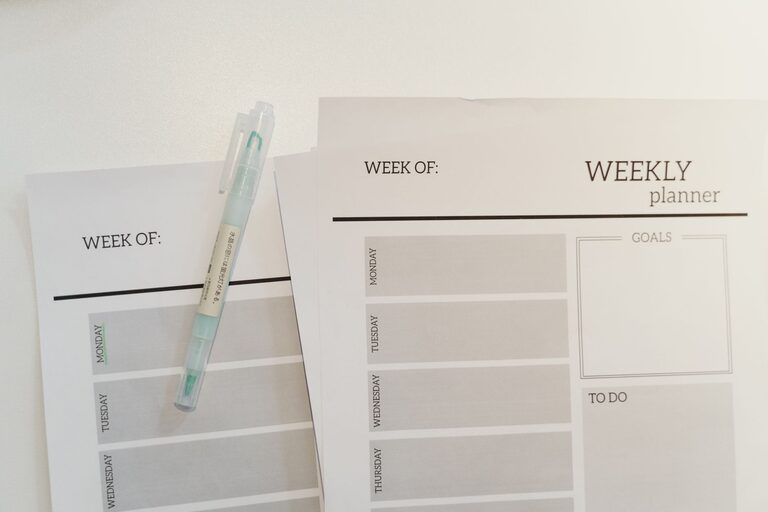
– Keep a planner or to-do list visible to track tasks.
– Consider a timer or app for focused work sessions.
Sample Desk Setup Checklist
| Item | Details |
| ————————– | —————————————- |
| Desk Height | 28-30 inches |
| Chair | Adjustable, lumbar support |
| Monitor Position | Top at eye level, arm’s length distance |
| Lighting | Natural + adjustable desk lamp |
| Keyboard & Mouse | Close, wrist-friendly placement |
| Cable Management | Clean and organized |
| Storage | Drawer organizer, shelves |
| Personal Touch | Small plant, framed photo |
| Break Reminder | Timer or app |
Final Thoughts
A well-designed desk setup combines ergonomic principles with personal preferences to create a space that feels inviting and supports your best work. Small adjustments—like raising your monitor or decluttering your surface—can lead to big improvements in comfort and focus. Experiment with these tips until you find what works best for you.
Remember, the goal is a balanced workspace where your body feels good and your mind stays clear, helping you tackle tasks efficiently and comfortably each day.