
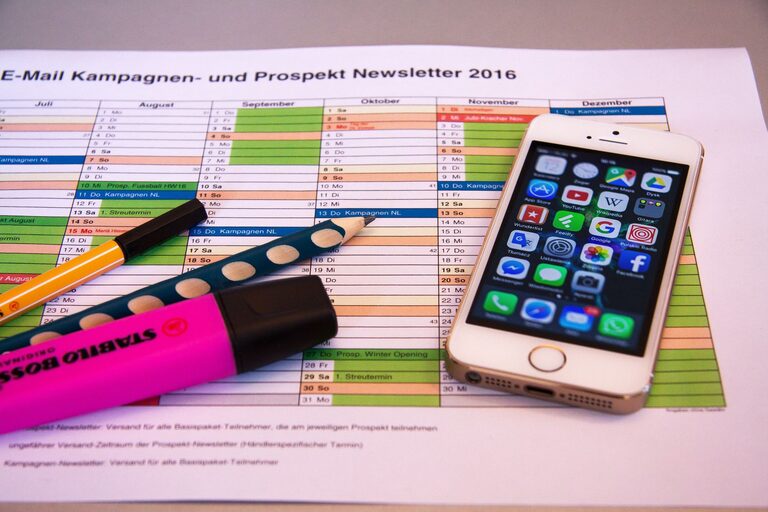
In today’s connected world, our digital spaces can become cluttered just as easily as our physical ones. From overflowing inboxes to countless apps and files, a disorganized digital life can lead to stress and lost time. Fortunately, there are practical ways to declutter your digital environment and create a more organized, manageable, and peaceful online experience. Here’s a step-by-step guide to help you reclaim control over your digital space.
Why Declutter Your Digital Life?
Before diving into the how, it helps to understand the why. A cluttered digital space can:
– Increase anxiety and stress levels.
– Make it harder to find important information.
– Slow down your devices.
– Interfere with productivity.
– Cause you to miss deadlines or important communications.
Decluttering your digital life is about creating a calm, efficient environment so you can focus on what truly matters.
Step 1: Tidy Your Email Inbox
Email is a major source of digital clutter. Here’s how to manage it:
Unsubscribe from Unnecessary Emails
Start by unsubscribing from newsletters or promotional emails you no longer read. Most emails have an unsubscribe link at the bottom.
Use Folders and Labels
Organize incoming mail by creating folders or labels—for example, “Work,” “Bills,” or “Family.” Set up rules or filters to automatically sort emails.
Archive or Delete Old Messages
Delete emails you don’t need and archive those you want to keep but don’t require in your inbox. Aim to keep your inbox as close to empty as possible.
Step 2: Organize Your Files and Folders
A cluttered desktop or file folder can be overwhelming. Follow these tips:
Create Clear Folder Structures
Group similar files into folders with intuitive names. For example: “Photos > 2024 > Vacation” or “Work > Projects > Client A.”
Delete or Archive Unneeded Files
Go through old files and delete duplicates or anything you no longer need. For large files that you want to keep, consider moving them to an external hard drive or cloud storage.
Use Consistent Naming Conventions
Name files clearly and consistently, including dates or project names, to make them easier to find.
Step 3: Clean Up Your Apps and Software
Too many apps can slow down devices and create distraction.
Delete Unused Apps
Review all your devices and uninstall apps you rarely or never use.
Update Remaining Apps
Keep apps updated to benefit from improved features and security.
Limit Notifications
Turn off notifications for non-essential apps to reduce distractions.
Step 4: Manage Your Passwords Wisely
Passwords can be a source of frustration and insecurity.
Use a Password Manager
A password manager safely stores your passwords and can generate strong, unique ones for you.
Update Weak Passwords
Regularly review your accounts and update weak or repeated passwords.
Enable Two-Factor Authentication
Where available, two-factor authentication adds an extra layer of security.
Step 5: Streamline Your Social Media
Social media can quickly become overwhelming without a plan.
Unfollow and Mute Accounts
Curate your feeds by unfollowing accounts that no longer interest you or mute those that clutter your feed.
Limit App Usage
Set daily limits for social media apps to prevent endless scrolling.
Review Privacy Settings
Regularly check and adjust your privacy settings to control what information you share.
Step 6: Back Up Important Data
Backing up your data is crucial for peace of mind.
Choose a Backup Solution
Use cloud storage services like Google Drive, OneDrive, or Dropbox, or an external hard drive.
Schedule Regular Backups
Set automatic backups to happen regularly, so you never lose important files.
Step 7: Maintain Your Digital Declutter Routine
Decluttering is not a one-time task.
Schedule Weekly or Monthly Reviews
Set aside time to review your inbox, files, apps, and social media habits regularly.
Set Digital Boundaries
Establish times when you unplug from digital devices to refresh your mind.
Final Thoughts
Decluttering your digital life takes some effort but brings significant benefits. By organizing your emails, files, apps, and social media, and by managing passwords and backing up your data, you can create a digital environment that supports your productivity and well-being.
Remember, small steps add up over time. Start today with one area and build from there. Your future self will thank you!